
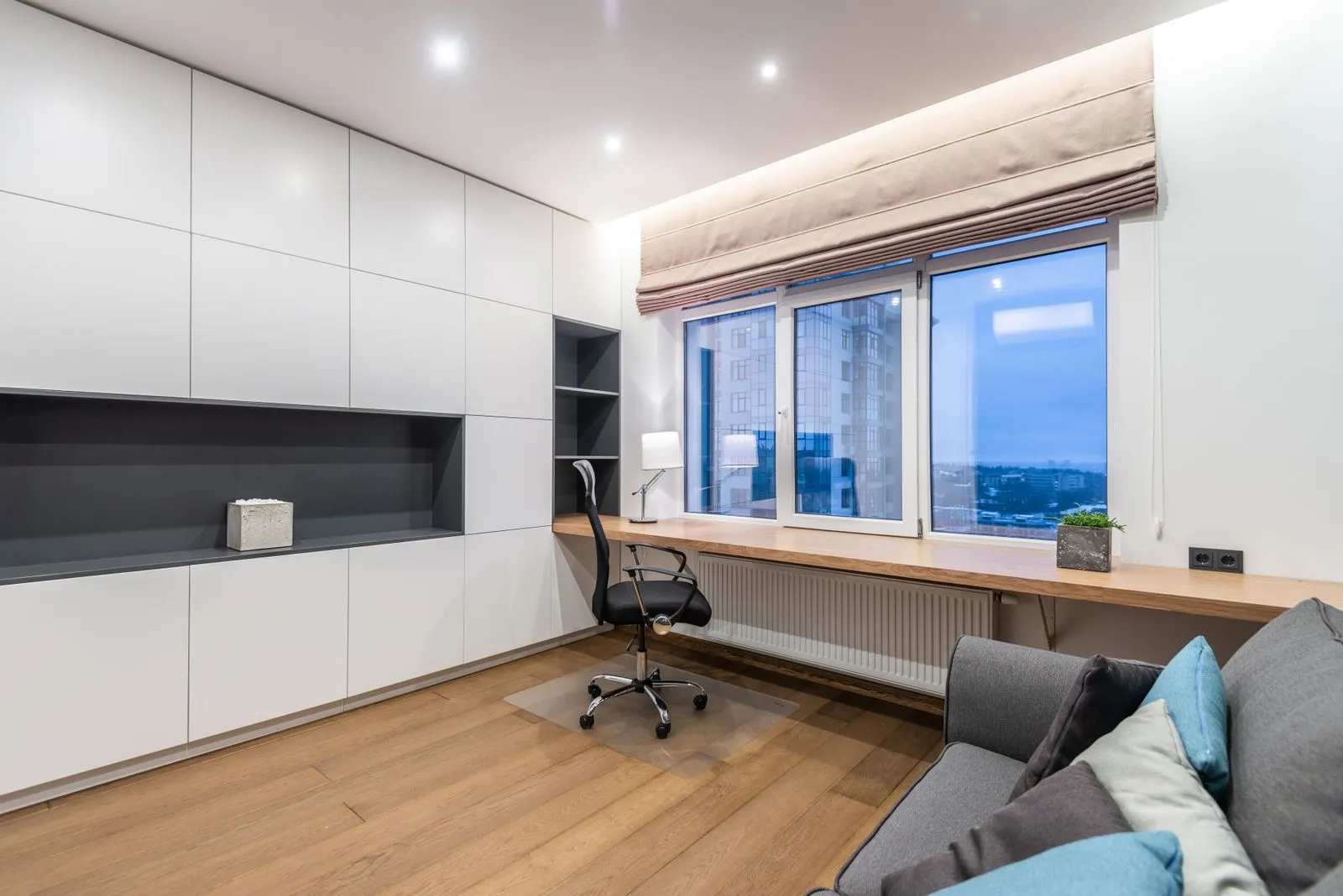
Mini PCs and small form factor desktops both save space, but they differ in how much they can be upgraded and how they handle demanding work. A mini PC is usually a compact, integrated system designed for everyday tasks and limited desk space. A small form factor desktop is larger, but often offers more room for components and airflow. Compare your workload, upgrade plans, and workspace before deciding which type is the better fit.
Compare Size and Placement
A mini PC can sit behind a monitor, on a shelf, or in a small desk area. Its compact case reduces clutter and makes it easy to move between rooms. Check how the model mounts, where its power supply sits, and whether its ports remain accessible once installed.
A small form factor desktop takes up more room, but still occupies less space than a traditional tower. Its larger case may make it easier to reach internal components and connect peripherals. Measure the desk space carefully, including clearance around the case for cables and ventilation.
Check Upgrade Options
Mini PCs commonly allow memory or storage upgrades, but the exact options vary by model. Some use soldered memory that cannot be replaced, while others provide accessible slots. Before buying, check the manufacturer’s specifications and service instructions for the parts you may want to change later.
Small form factor desktops often provide more room for replaceable memory, storage, and sometimes expansion cards. However, their compact cases can still limit component size and compatibility. Confirm the supported memory type, drive connections, power supply capacity, and available clearance before ordering upgrades.
Consider Cooling and Noise
A smaller case has less room to move heat away from components. Under sustained workloads, some mini PCs may run warm or increase fan speed. Performance and noise depend on the processor, cooling design, and ventilation, so review product details and make sure the system can breathe where you plan to place it.
A small form factor desktop can offer more space for airflow and cooling hardware, though its compact layout still matters. Avoid placing it in an enclosed cabinet or against a wall that blocks vents. If the computer will run heavy tasks for long periods, prioritize a design with cooling suited to that workload.
Match Performance to Your Work
For web browsing, office applications, video calls, and media playback, many mini PCs provide ample performance. For gaming, video editing, or other demanding tasks, compare the processor, graphics capability, memory, and storage in each specific configuration. The label “mini PC” alone does not tell you how fast a system will be.
A small form factor desktop may support more powerful components, but not every model does. Check whether it can accommodate the graphics hardware or other parts your applications require. Choose based on the software you use today, the workload you expect, and the room you want to leave for future upgrades.
Choose a mini PC when minimal size and simple everyday performance matter most. Consider a small form factor desktop when you want more flexibility for upgrades or demanding workloads. Compare the exact specifications, cooling needs, and component limits before you buy. Princeton Mini PCs can help you review compact computer options for your workspace.